
Activate your AppSumo lifetime deal
Link your AppSumo code to your account, see what each tier covers, and what happens to your communities.
If you bought AISKOOL on AppSumo, you activate the deal once from your AppSumo account. This article covers the steps, what each tier covers, what happens to your communities, and how refunds and support work.
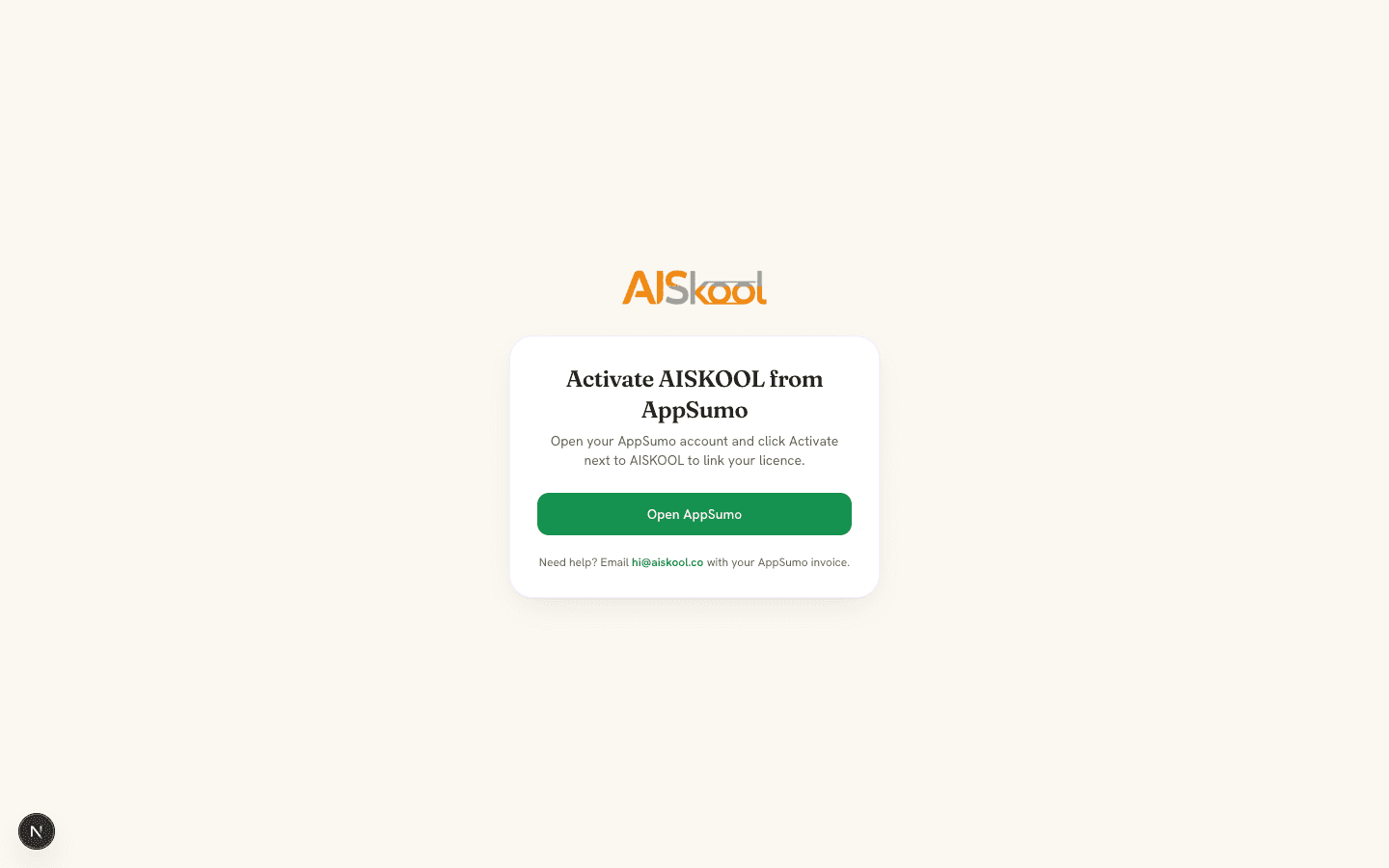
Activate your deal
- In your AppSumo account, open your products and click Activate next to AISKOOL.
- AppSumo sends you to AISKOOL. If you are signed out, sign up or log in. The banner says "Activating your AppSumo deal." Finish within an hour, or the waiting code expires.
- You arrive on the new community page with a banner such as "Your AppSumo Tier 2 plan is active: 3 communities and a $3/mo AI grant."
- Create a community. While the deal has room, no card is needed.
A code links to the first AISKOOL account that activates it and never moves. If you are signed in to a different account, AISKOOL asks you to log in as the account that holds the deal.
What the activation page can say
- Activate AISKOOL from AppSumo: you opened the page directly. Choose Open AppSumo and click Activate there.
- We're confirming your AppSumo purchase: AppSumo has not told AISKOOL about the purchase yet. This usually takes under a minute. The page checks every 10 seconds, and Check again tries now.
- We couldn't activate your AppSumo code: the code failed or the waiting code expired. Choose Back to AppSumo and click Activate again.
- A notice that the license is no longer active: it was refunded or deactivated on AppSumo.
What each tier covers
- Tier 1: 1 community and a $1 a month AI grant.
- Tier 2: 3 communities and a $3 a month AI grant.
- Tier 3: 5 communities and a $5 a month AI grant.
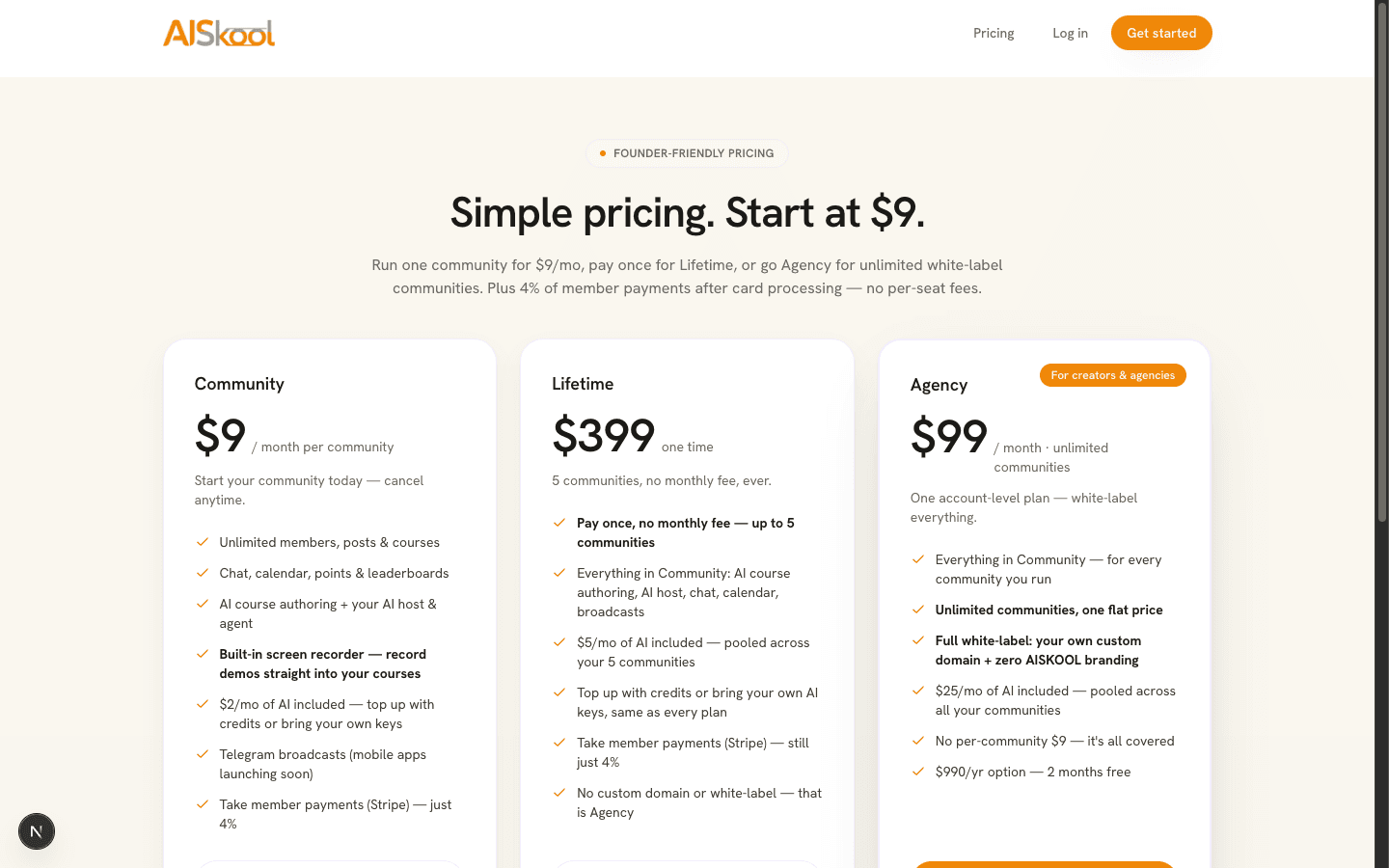
A tier covers the oldest communities you own, counted by creation date. They get all the paid features with no monthly fee, and the AI grant is pooled across them. White-label and a custom domain are not included. Those come with Agency. See Plans, AI credits and bring your own key.
What happens to your communities
- You pay $9 on a covered community: AISKOOL cancels that plan so you are not billed twice. A card plan ends right away and a wallet plan stops renewing.
- You own more than the tier covers: the extra communities need their own $9 plan. Without one they have no active plan, and their content is kept.
- You add one beyond the tier: the new community page says "Your AppSumo plan covers your 3 oldest communities. Adding another one needs the $9/month plan."
- You stack codes: activate each one on the same account and the totals add up. Two Tier 1 codes cover 2 communities with a $2 a month grant.
- You upgrade or downgrade on AppSumo: AppSumo tells AISKOOL, and the same license moves to the new tier on your account.
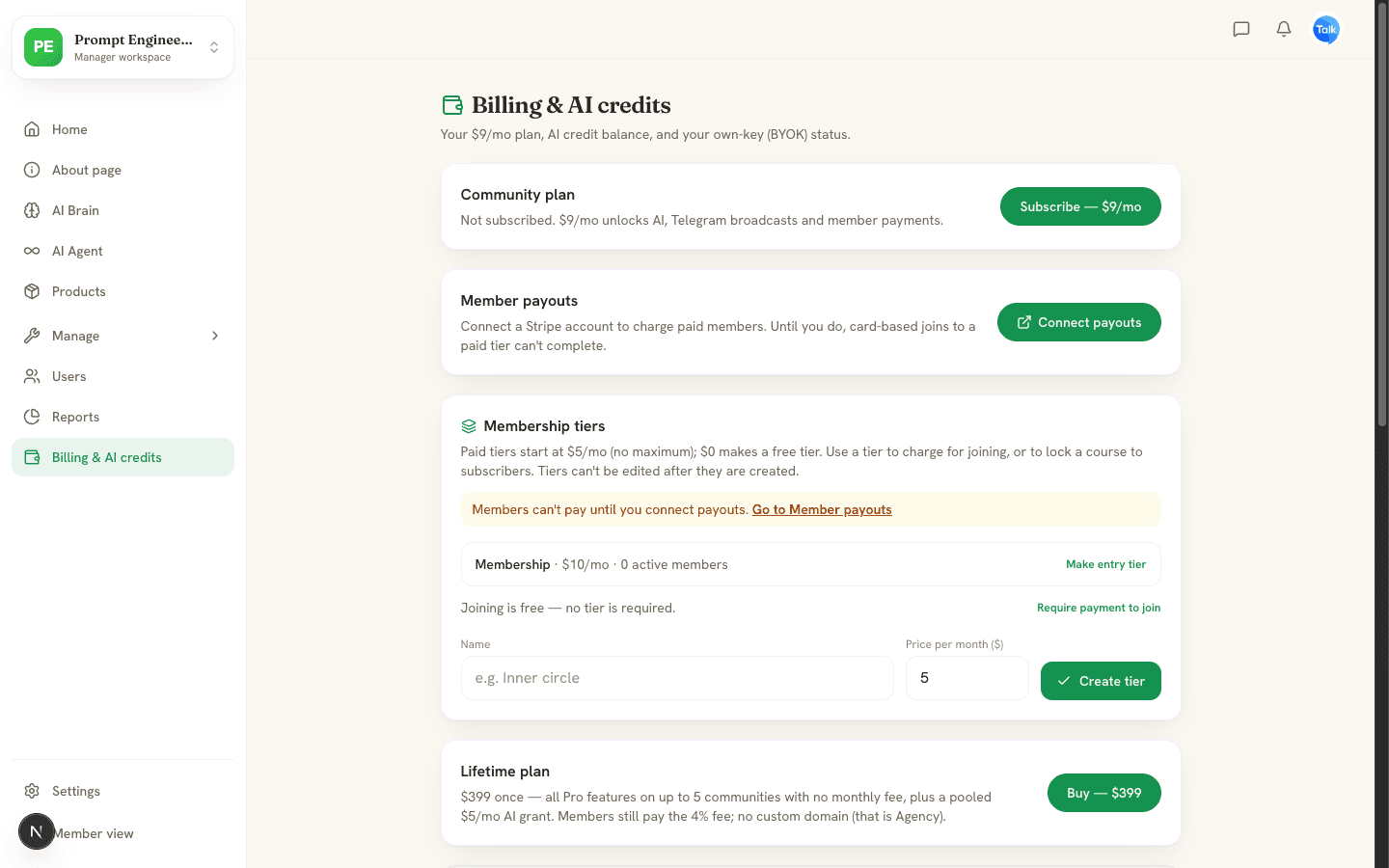
To check your deal, open Billing & AI credits in the manager workspace. The AppSumo license card shows each code's last four characters, its tier and community count, and Active or Inactive.
Refunds and support
AppSumo handles refunds under its own policy, which allows them within 60 days of purchase. Ask AppSumo, not AISKOOL. When AppSumo tells AISKOOL a license was refunded, AISKOOL deactivates it. The communities it covered lose their paid plan, their content is kept, and you can subscribe them to the $9 a month plan. See the Refund & Cancellation Policy.
For help, email hi@aiskool.co with your AppSumo invoice.
Frequently asked
Does the deal cover communities I made before activating?
What if I also have the Agency plan?
Can I use one code on two accounts?
Related articles
Plans, AI credits and bring your own key
The three plans, how AI credits work, and how to run AI on your own key.
Create your community
Create a community on AISKOOL, set its name, address, icon and cover, write the About page, list it in Discover and choose free or paid entry.
Sign in, your profile and your account
The three ways to sign in to AISKOOL, what happens the first time, how to edit your profile, and how to sign out or delete your account.